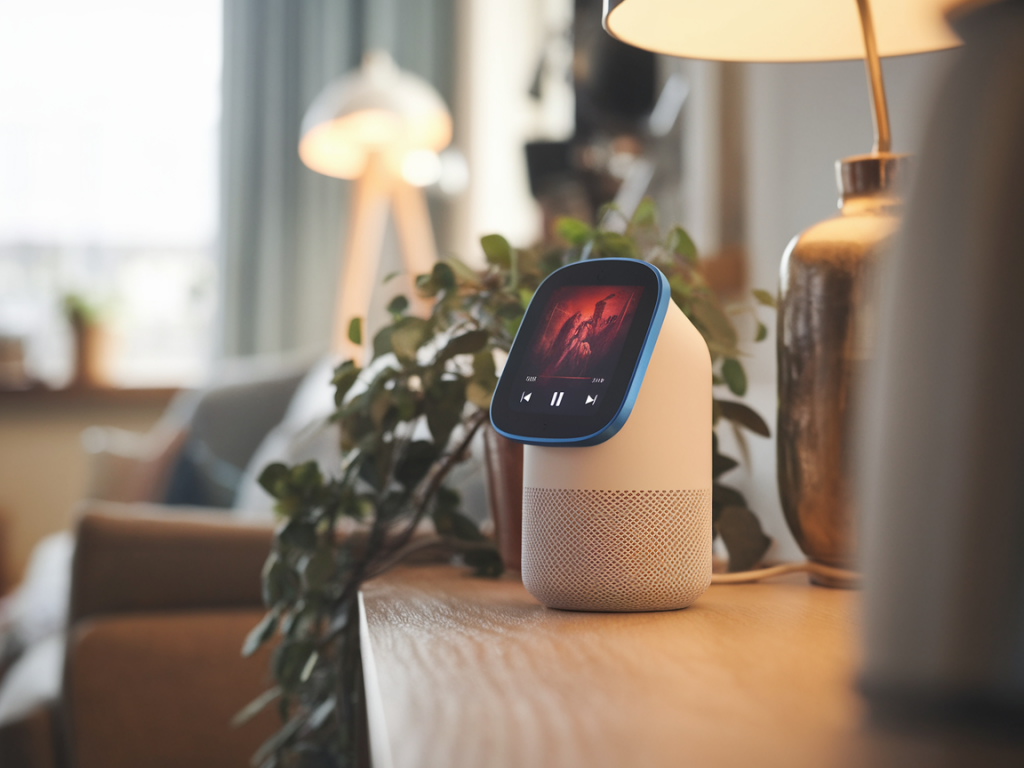
I bought my first smart speaker because of one simple promise: convenience. Ask a question, get an answer. Play music, dim the lights, set a timer while my hands are covered in flour. What I didn’t bargain for was how quickly that convenience could curdle into friction — misunderstandings, privacy worries, and even more steps than before. Over the years I’ve kept, returned, and reconfigured several voice assistants (Amazon Echo, Google Nest, and an unfortunate Bluetooth speaker with a "smart" button). I still use them, but I no longer treat them as infallible household helpers. Instead, I treat them as tools with trade-offs. Here’s what goes wrong, why it happens, and practical ways to salvage the convenience without inviting chaos.
When "helpful" becomes unhelpful
The issues fall into a few recurring themes. Some are technical, some are privacy-related, and some are just plain human — the ways we adapt (or fail to adapt) to technology in the messy reality of our homes.
These problems make a device that promised to be a friction-reducer into an extra thing to manage. But usually the root cause isn’t the speaker itself — it’s how we set expectations and configure the device.
How I reassessed convenience
After a string of annoying moments (an Alexa that set every timer to 60 minutes because I said “set a timer” while doing something else; a Nest announcing private calendar entries in the kitchen), I took a day to re-evaluate how my home should work. I wrote down three questions to guide decisions:
Answering those clarified what convenience meant to me: predictable, reversible, and respectful of privacy. If something made life "easier" but created anxiety or extra management, it wasn’t worth it.
Practical fixes that actually help
Here are specific changes I made — and you can, too — to keep the good parts of voice assistants while minimizing the downsides.
1. Treat the speaker like a service, not a sentient friend
We speak to these devices in a familiar tone, and they’re designed to encourage that. But anthropomorphising leads to expectations they can’t meet. I stopped asking them to remember long-term preferences ad hoc (like "remember my favourite mug") and instead created fixed, simple routines they can reliably execute.
2. Prioritise local control and basic backups
Many smart home actions should still work without the cloud. I invested in a few local devices and kept physical backups.
3. Harden privacy settings and manage voice history
Privacy isn’t binary. You can lean into convenience while making deliberate privacy choices.
4. Designate zones and user access
Not every room needs a fully capable assistant. I have one in the living room, a basic Bluetooth speaker in the bedroom, and a voice-disabled smart display in the kitchen that I remotely control via my phone when necessary.
5. Use voice assistants for what they excel at
They are phenomenal at ephemeral, low-stakes tasks where mistakes are easy to fix:
For complex or sensitive tasks — writing emails, managing finances, or anything involving personal health details — I default to a screen and a keyboard.
Quick comparison: common problem vs. fix
Here's a small table I keep in my head, transposed to practical actions when things go wrong.
| Problem | Quick Fix |
|---|---|
| Device mishears command | Speak clearly, use shorter, explicit commands; rephrase or use the app |
| Privacy worries about recordings | Enable auto-delete, turn off personal results, mute mic when idle |
| Home automation fails when internet is down | Use local hubs or keep manual backups |
| Guests uncomfortable or confused | Use guest mode or designate a voice-free zone |
Small rituals that reduce friction
Beyond settings, a few household rituals make the device feel less like an erratic roommate and more like a tool. I do a weekly five-minute check where I:
It sounds fussy, but it’s the difference between a helpful appliance and another item on the “to-fix” list. The weekly check keeps surprises small and manageable.
In the end, my approach boils down to this: keep the features that earn their keep, offload the rest, and build tiny human habits to patch the predictable failures. Smart speakers can be delightful, but convenience is not automatic — it’s designed. With a few deliberate choices, you can tilt that design back toward usefulness without surrendering your privacy, patience, or sanity.